





|






|




|
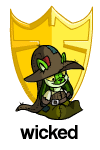
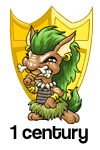
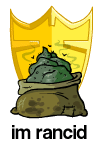
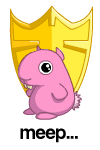
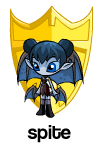
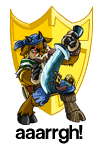
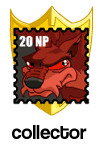
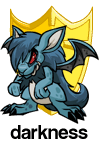
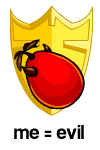
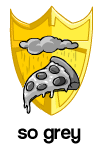
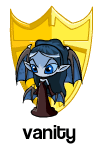
Welcome to PPT's custom shields section!
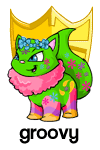
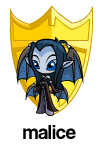
Here you can get the latest custom shields to grace this site! Created through the hard work of Mike, this page will allow you to customize your lookup on Neopets in a way that will make you stand out from the crowd.
To add these shields to your userlookup, make sure you read these instructions carefully, as they are simply more than a simple cope and paste job.
How to add these shields to your userlookup
Step #1
After you've selected which shield you like, directly below the shield is a box with some code in it. Copy and paste the code into your editing box on Neopets (the box that will let you edit your userlookup).
Step #2
Now have a look at the code. There is a place that looks like:
images/shields/xxx.gif
The part you are interested in is the xxx.gif. This needs to be changed to the current shield that appears on your userlookup. To find out what the image filename is, visit your userlookup, right click on the shield that shows up, and replace the xxx in the code to the filename (it will be .gif) that appears on your userlookup.
Frequently Asked Questions
I can't get it to work
Read the instructions again. Everything you need is there.
Does this mean I have to update the shield as my account gets older?
Yes. However, this method is better than the absolute positioning method, because it will work on any browser.
|